 Nightly
 social login
Social login lets you access Nightly Wallet through a social account without a seed phrase. The crypto wallet keeps keys encrypted in the app and offers optional cloud backup for recovery.
How does Google sign-in fit into wallet setup?
Nightly includes Continue with Google in its new-wallet creation screen. An existing wallet can also be imported with its secret phrase or private key.
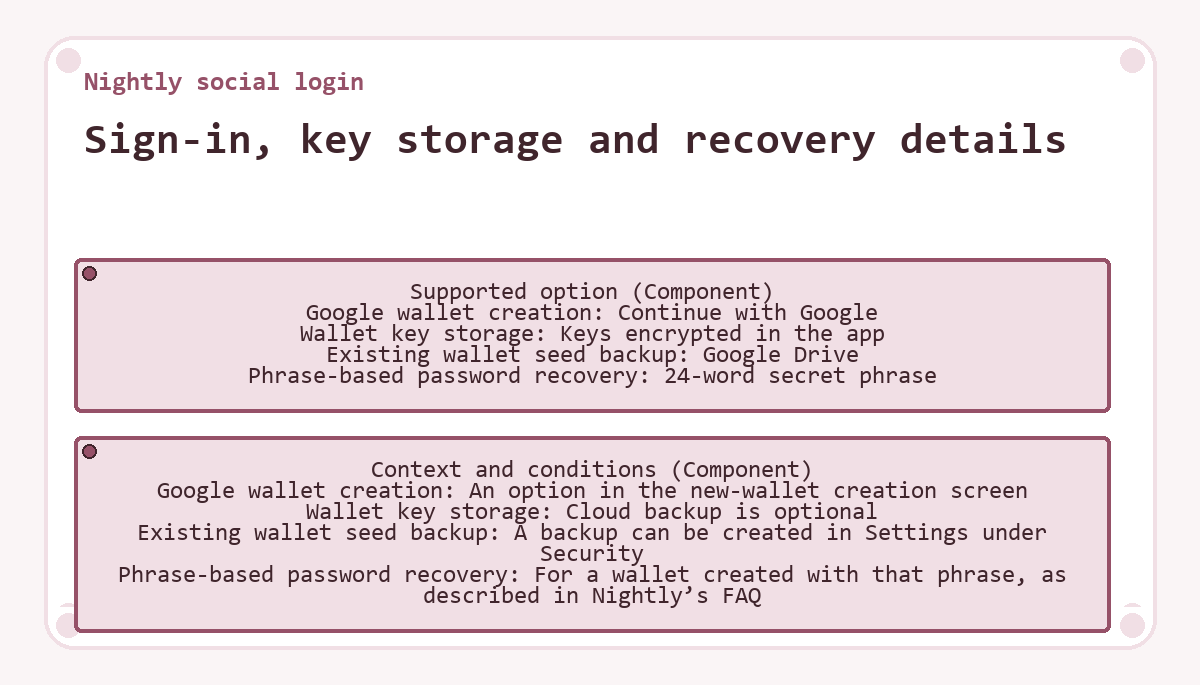
Sign-in, key storage and recovery details
| Component | Supported option | Context and conditions |
|---|---|---|
| Google wallet creation | Continue with Google | An option in the new-wallet creation screen |
| Wallet key storage | Keys encrypted in the app | Cloud backup is optional |
| Existing wallet seed backup | Google Drive | A backup can be created in Settings under Security |
| Phrase-based password recovery | 24-word secret phrase | For a wallet created with that phrase, as described in Nightly’s FAQ |
How does recovery depend on the wallet setup?
Creating a wallet through Google and backing up an existing wallet’s seed are separate functions. Because cloud backup is optional, Google sign-in alone does not confirm that an existing wallet has a seed backup.
For the 24-word phrase-based setup described in Nightly’s FAQ, the secret phrase can restore access after the wallet password is forgotten. If both that password and the phrase are lost and no backup was made, recovery is unavailable for that setup.
What to know about Nightly social login
Can I use Nightly social login on a phone?
Nightly offers social login in its iOS and Android apps as well as its browser extensions.
Updated ·